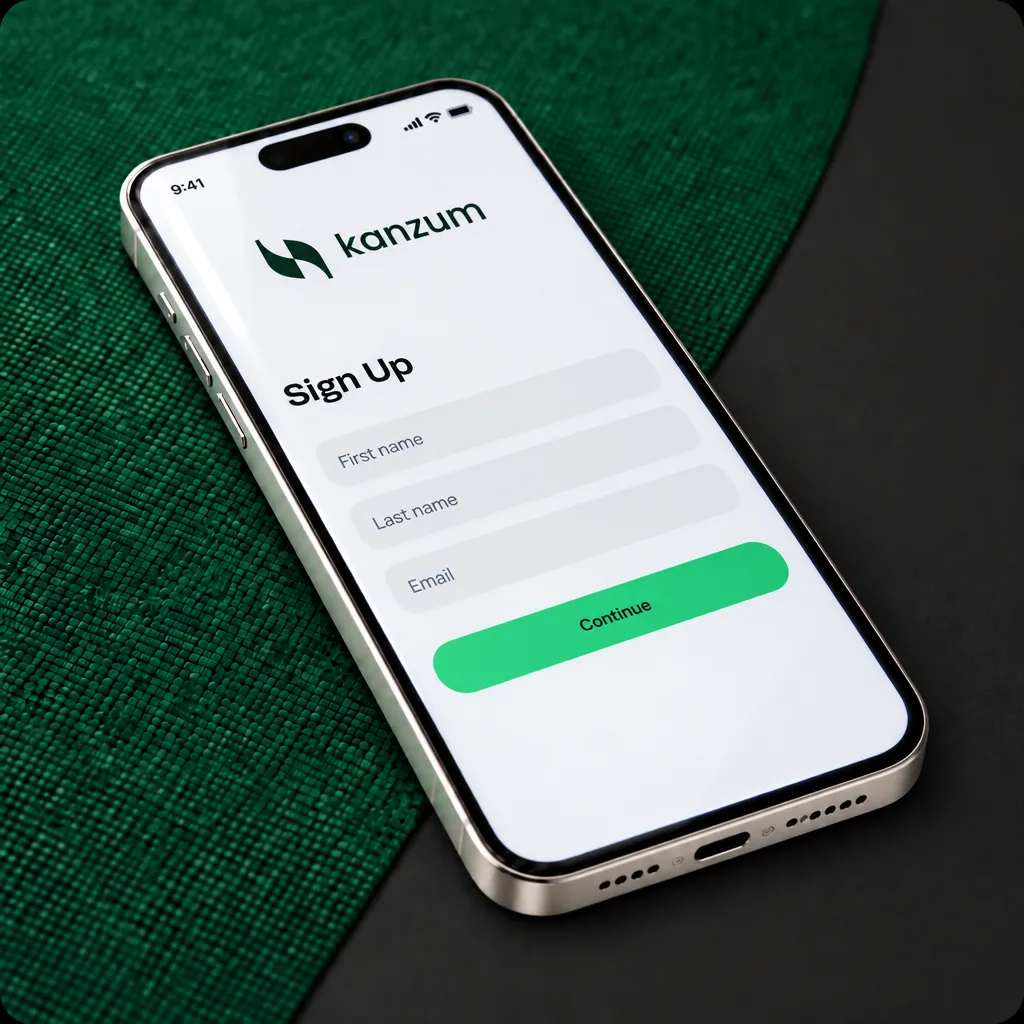
Separate spend balance
Only funds moved to the card balance can be used for card payments, so card spending stays distinct from the rest of your Kanzum accounts.

Cards
Top up a separate card balance from your Kanzum accounts and manage online business spending from the Kanzum app.
Open account
Business spending
The Kanzum Card has its own balance. You decide when to top it up from your Kanzum accounts, then use that card balance for online business purchases subject to programme eligibility and controls.
Only funds moved to the card balance can be used for card payments, so card spending stays distinct from the rest of your Kanzum accounts.
The card balance is shown in US dollars. Non-USD funds are converted when they are moved to the card.
Eligibility, merchant categories, countries, spending limits and top-up limits depend on the card programme rules.
Request the card, top it up and keep card activity visible in the Kanzum app.
Use the Kanzum Card for online business payments. Physical cards and cash withdrawals are not available.
Only the funds moved to the card balance can be spent, keeping card spending separate from your Kanzum accounts.
Move funds from your Kanzum accounts to the card. Non-USD funds are converted for the top-up and the card balance is shown in US dollars.
Request the card, top it up and track card activity from the Kanzum app.
Workflow
Verified Kanzum business clients can request a virtual card in the Kanzum app, subject to eligibility.
Accept the applicable card terms, then move funds from a Kanzum account to the separate card balance.
Use the virtual card for eligible online purchases and review card activity in the Kanzum app.
Connected platform
The card programme is separate from Kanzum accounts, payments and FX. You choose when to move funds to the card, and only the card balance is available for card purchases.
FAQ
The practical details customers usually ask before getting started.
The Kanzum Card is a virtual spend card for Kanzum business clients. You top it up from your Kanzum accounts and use it to pay online wherever Visa is accepted.
No. The card has its own balance, separate from your Kanzum accounts, and only that balance can be used for card payments. You decide when and how much to move to the card. Your Kanzum accounts, payments and FX are not part of the card programme.
The Kanzum Card is virtual and works for online payments. Physical cards and cash withdrawals are not available.
Kanzum business clients can request the card. It is issued to the holder of the business's Kanzum account, who must be 18 or older. Cards for other people in the company are not available at the moment. Eligibility also depends on local regulations.
Request it in the Kanzum app. The card is available to verified Kanzum business clients, and additional information may be required by the card programme. Once you accept the Kanzum Card Terms and top up the card balance, the card is ready to use.
Move funds to the card from any of your Kanzum accounts. If the funds are not in US dollars, they are converted for the top-up. Your card balance is shown in US dollars.
For online payments wherever Visa is accepted. Some merchant categories are blocked under the card programme rules, and certain countries and merchants may not be supported due to regulations.
Yes. When you pay in a currency other than US dollars, the merchant is paid in their local currency over the Visa network. Standard network fees and foreign exchange charges may apply.
Yes. The Kanzum Card has limits on spending and top-ups per day or month, and single transactions may have a maximum amount. A transaction above a limit may be declined until further checks are completed.
There is a fee for opening the card and a fee for top-ups. Your account manager can confirm the amounts for your business. If a top-up needs a currency conversion, the conversion is charged at your usual Kanzum rates. Payments in currencies other than US dollars may also carry network and FX charges.
Next step
The Kanzum Card is available to eligible verified Kanzum business clients. The team can confirm availability and programme terms for your business.
Open account