
What to check before you pay
- Confirm the order amount, currency and reference with your supplier.
- Ask for the recipient’s name as shown in Alipay. If someone is collecting on your supplier’s behalf, confirm their authority to collect through a contact you already trust. Keep that confirmation with the order.
- Check with Kanzum which recipient details and supporting documents the pilot requires. Ask which account and currency can fund the payment, how much the recipient will receive and what the payment will cost.
- Make sure the recipient can receive a cross-border transfer in Alipay. Share the recipient guide before sending the payment so they have time to set it up.
How the pilot payment would work
Once Kanzum confirms that the payment is eligible, follow these steps.
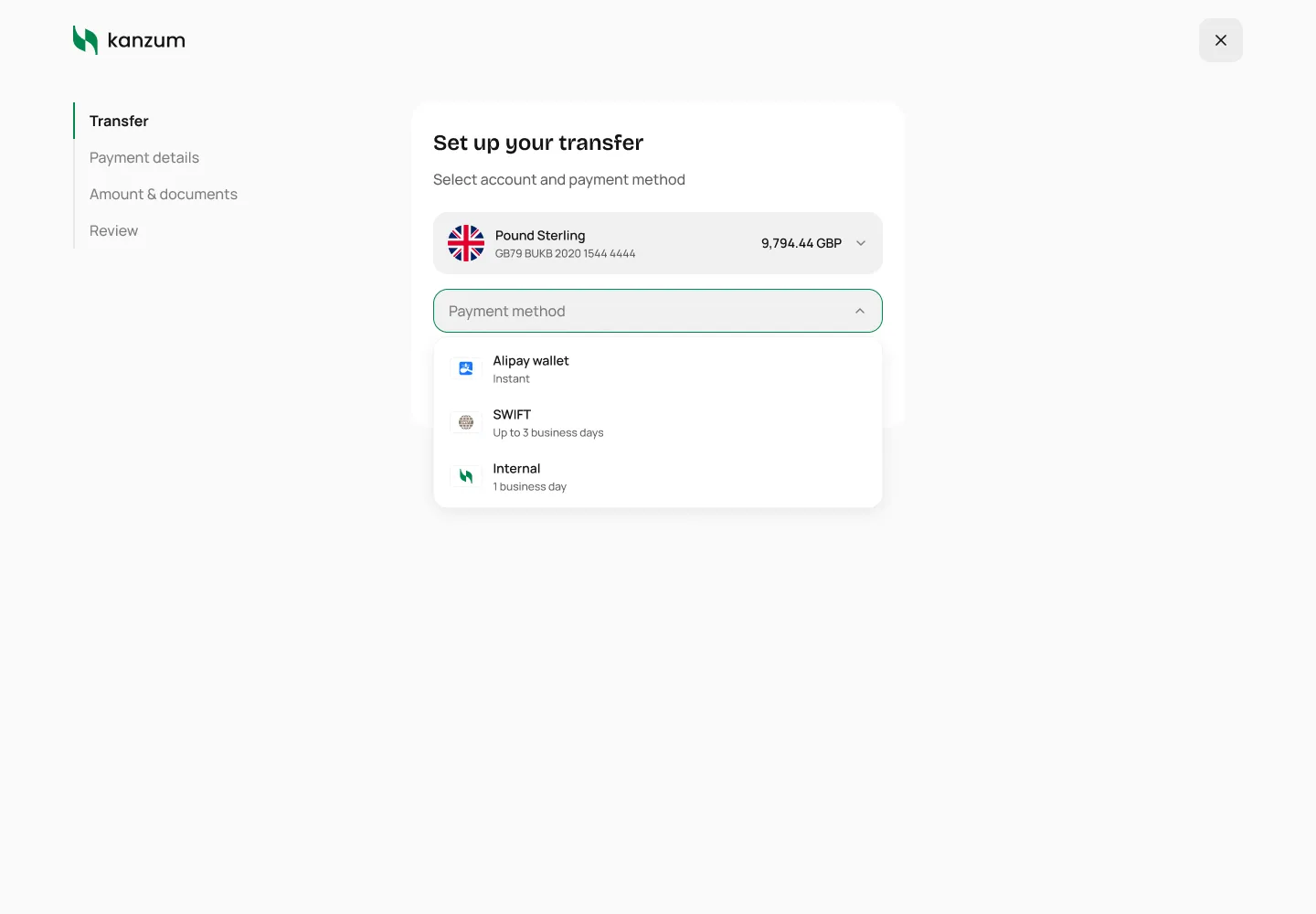
Choose Alipay wallet
Select your approved funding account. Open Payment method and choose Alipay wallet.
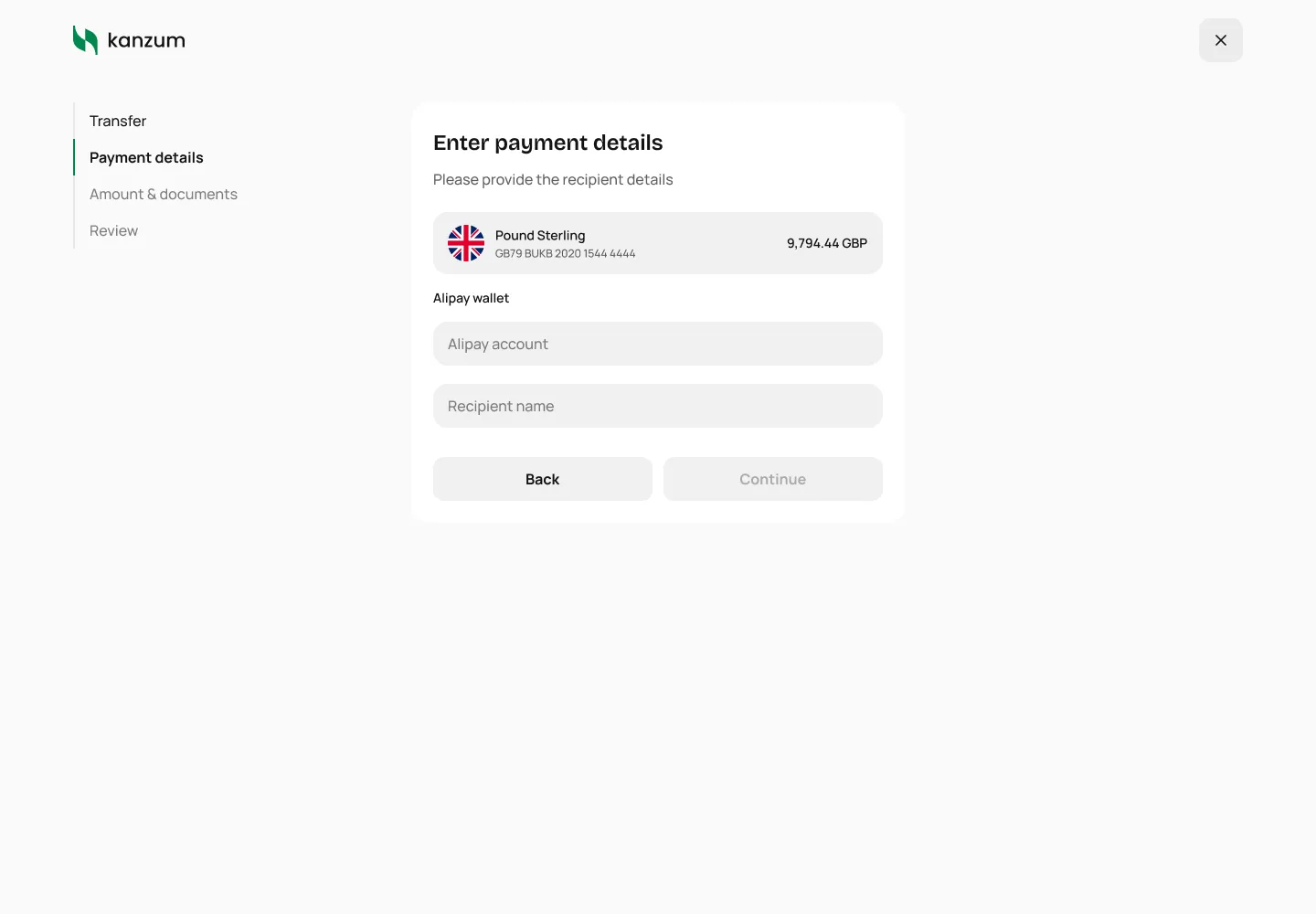
Enter the recipient’s details
Enter the recipient’s Alipay account and Recipient name as they appear in Alipay. Enter the payment amount and provide the documents Kanzum asks for.
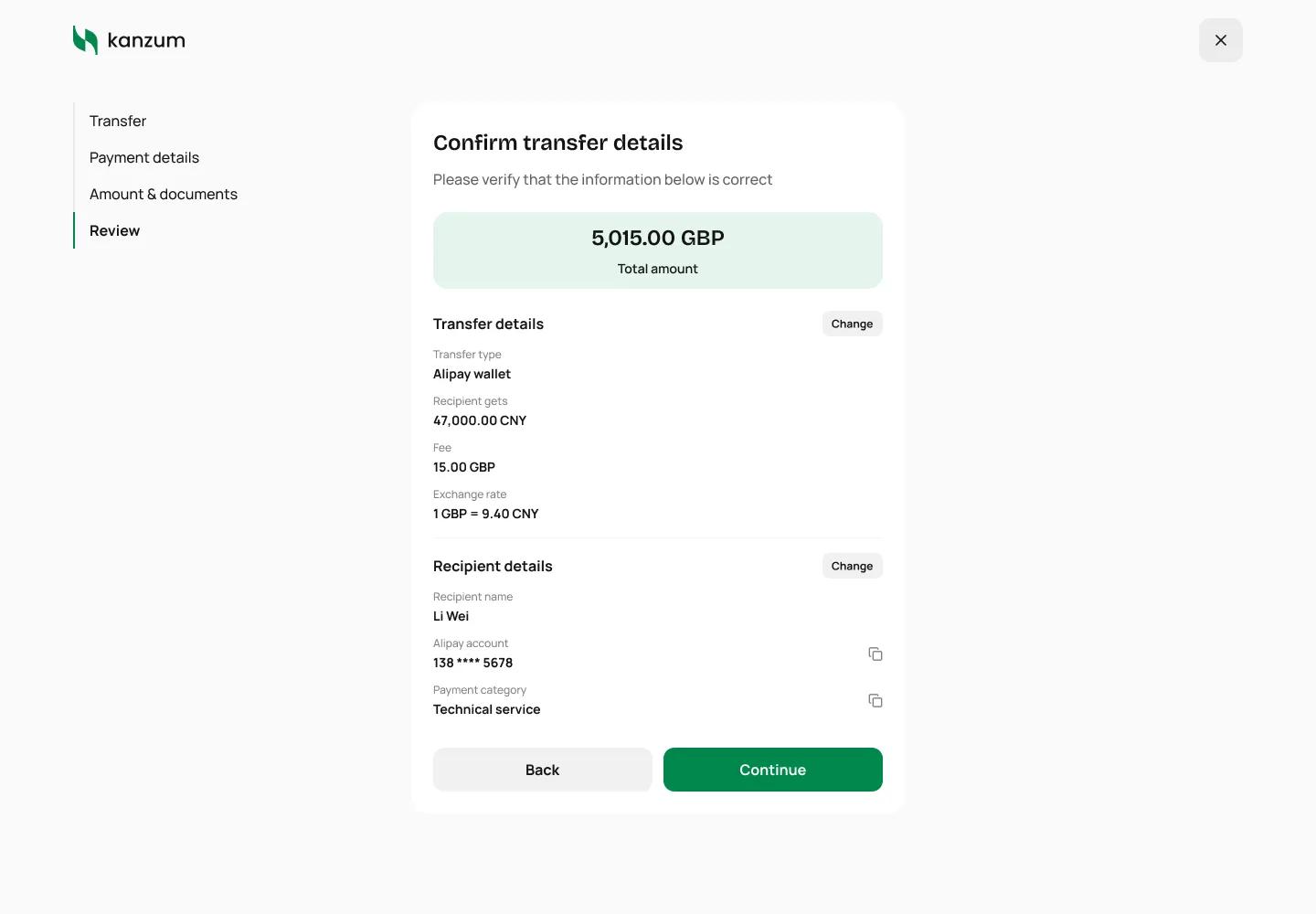
Review the amount, fee and exchange rate
Check the recipient details, total debit, fee, exchange rate and amount the recipient will get. In the technical-service example below, the total debit is GBP 5,015 including a GBP 15 fee. GBP 5,000 is converted at 1 GBP = 9.40 CNY, so the review shows CNY 47,000 for the recipient.
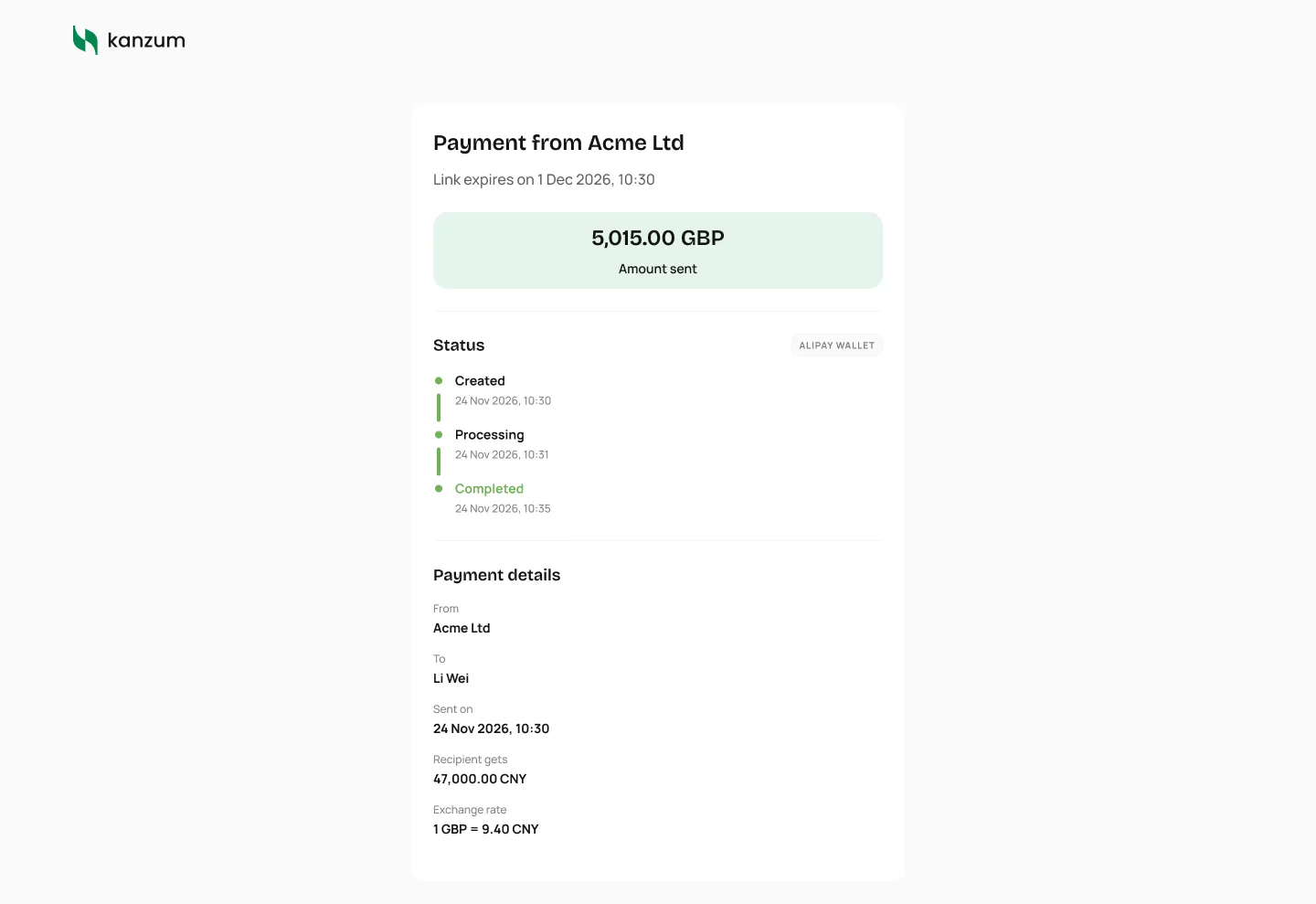
Track the payment and check for the credit
After submitting the payment, use the Kanzum tracking link to check its status. Ask the recipient to check Alipay and, if prompted, submit a declaration by the deadline shown in the app. The recipient can then check Alipay for the credit.
What the person receiving the payment needs to do
If this is their first cross-border transfer in Alipay, they may need to set up receiving. If Alipay asks for a declaration, they should follow the prompts and submit any supporting documents by the deadline in the app. Send them the recipient guide in English or Chinese.
Ask about pilot access
If your supplier in China has asked to be paid through Alipay, contact Kanzum to check whether the order fits the pilot. Include your business location, the goods or services, the invoice currency and whether the recipient is collecting on behalf of the supplier.